Conversations per Quarter
0
People you need in your database with full contact info
Conversations per Day
0.0
Contacts your staggered SmartPlans should deliver daily
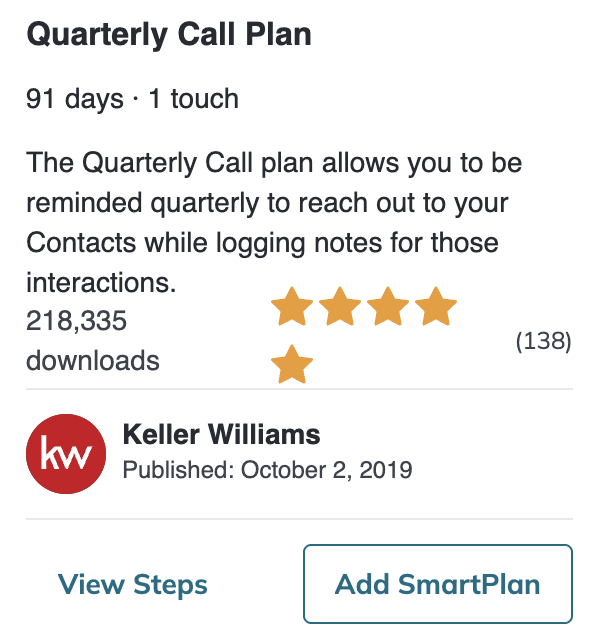
Quarterly Call Plan · KWRI plan
91 days · 1 touch. The Quarterly Call plan allows you to be reminded quarterly to reach out to your Contacts while logging notes for those interactions.
Find it in the SmartPlans Library in Command
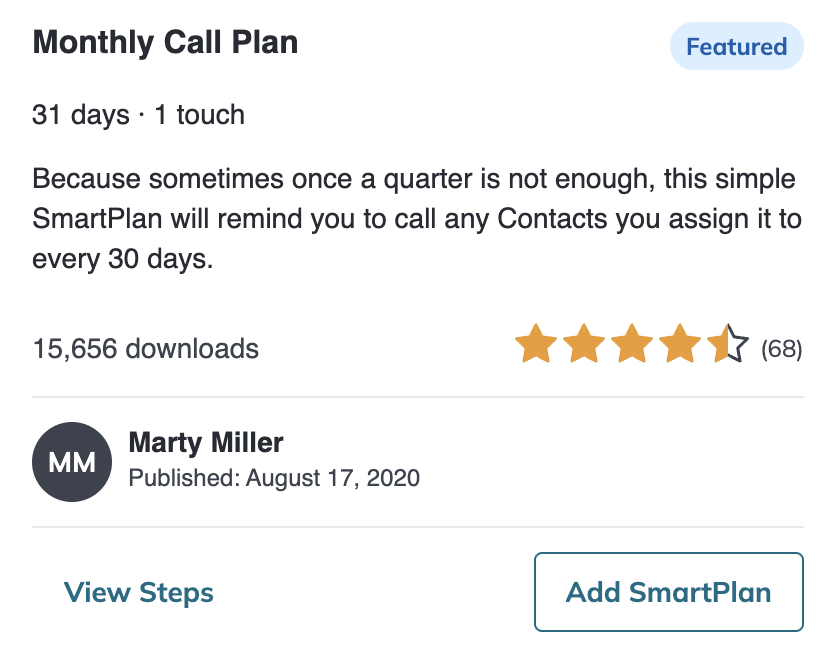
Monthly Call Plan · Marty Miller plan
31 days · 1 touch. Because sometimes once a quarter is not enough, this simple SmartPlan will remind you to call any Contacts you assign it to every 30 days.
Find it in the SmartPlans Library in Command
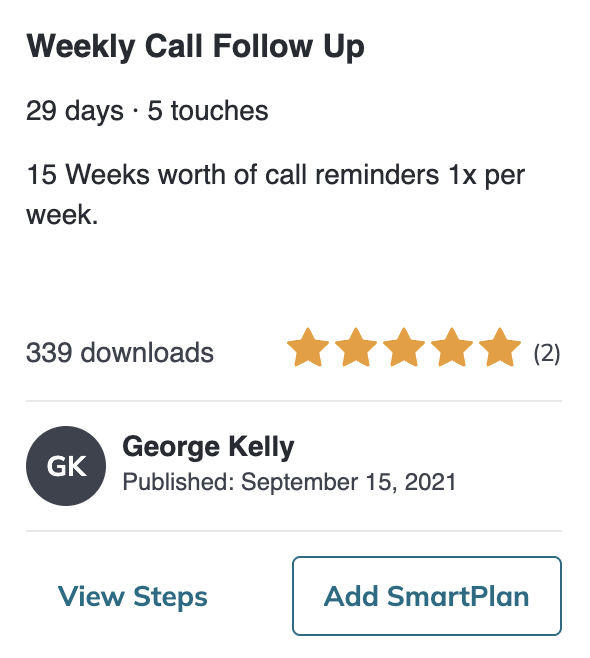
Weekly Call Follow Up · George Kelly plan
29 days · 5 touches. 15 Weeks worth of call reminders 1x per week.
Find it in the SmartPlans Library in Command
Make it automatic
Stagger Start
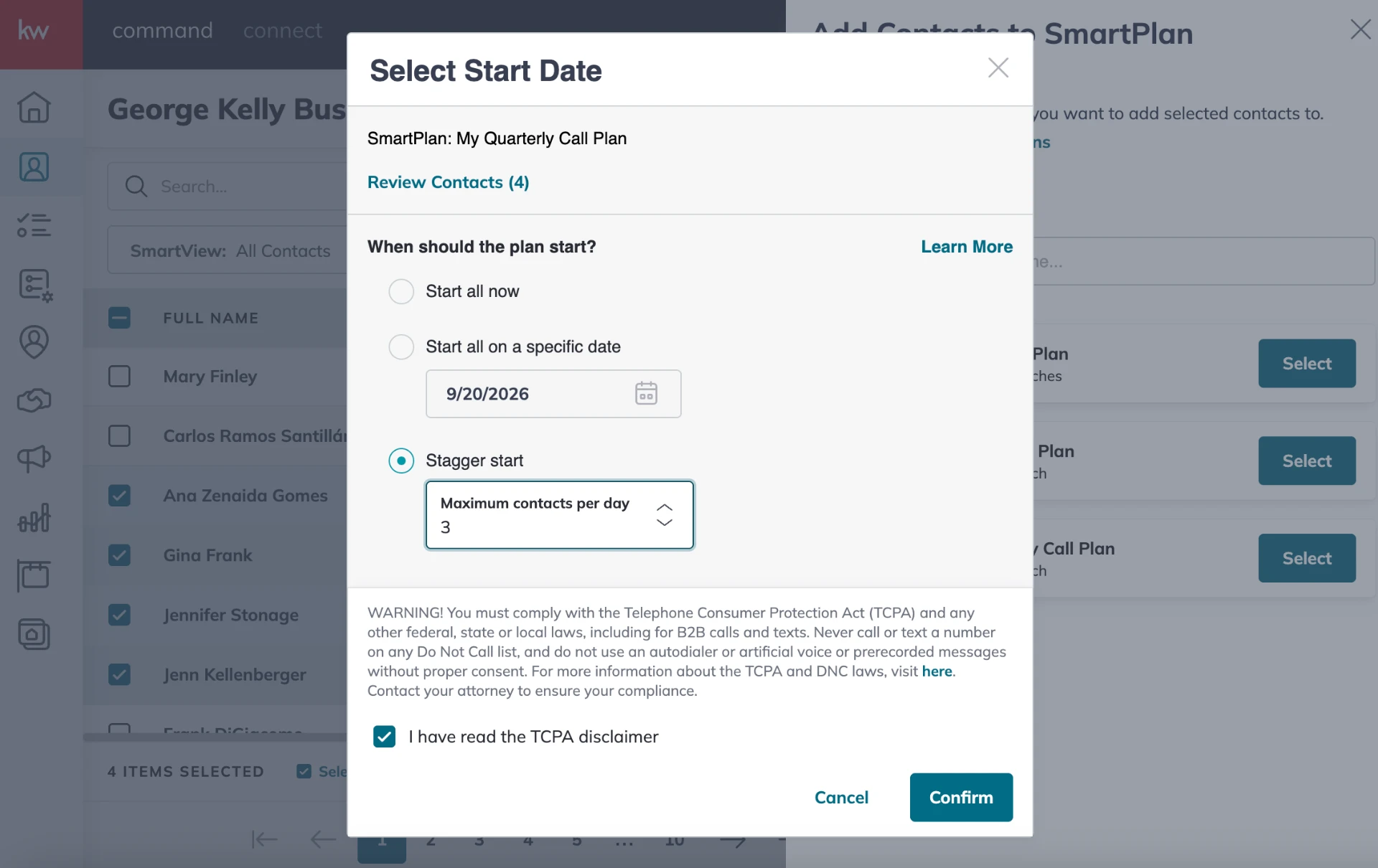
Adding your whole database on day one dumps every task into one day. Stagger Start spreads the activations so Command hands you a steady, do-able number of conversations every business day.
In your Contacts database, select all the people who make up your minimum quarterly contacts. That is your bigger magic number, Conversations per Quarter.
With them all selected, click "Add to SmartPlan" and choose the plan you are starting with.
Choose "Stagger Start."
Set "Maximum contacts per day" to your Conversations per Day number.
Confirm. Command spreads the activations so a steady set of contacts hits your task list every business day.
Your numbers
Add 0 contacts to the plan this quarter and set the maximum to 0 contacts per day.