
Your Due Today target
0.0
conversations per day, which is roughly what "Due Today" should show once your plans are staggered.
1
Open Command Mobile.
Same app, same time, every day. The system only works if you open it.
2
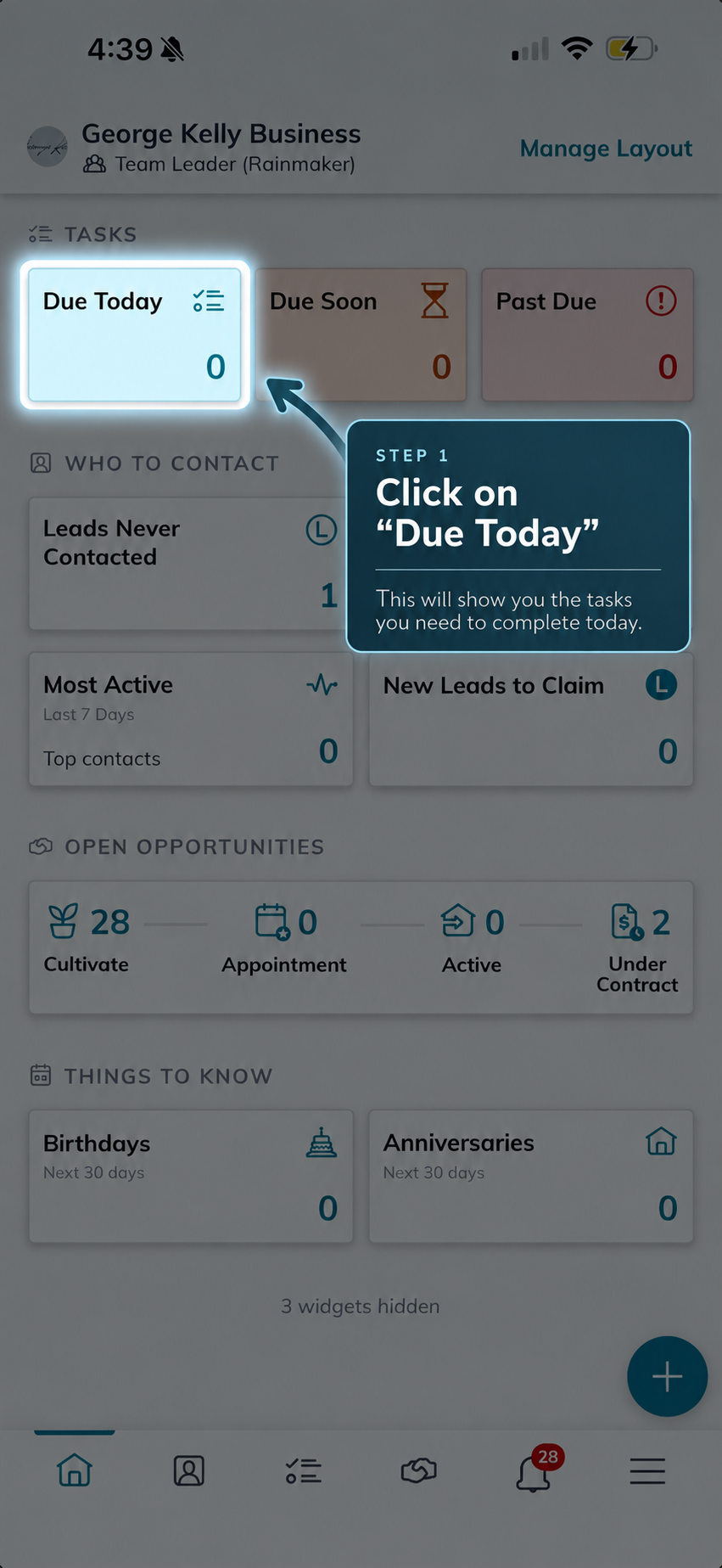
Tap "Due Today".
Your staggered SmartPlans have already picked the people for you.
3
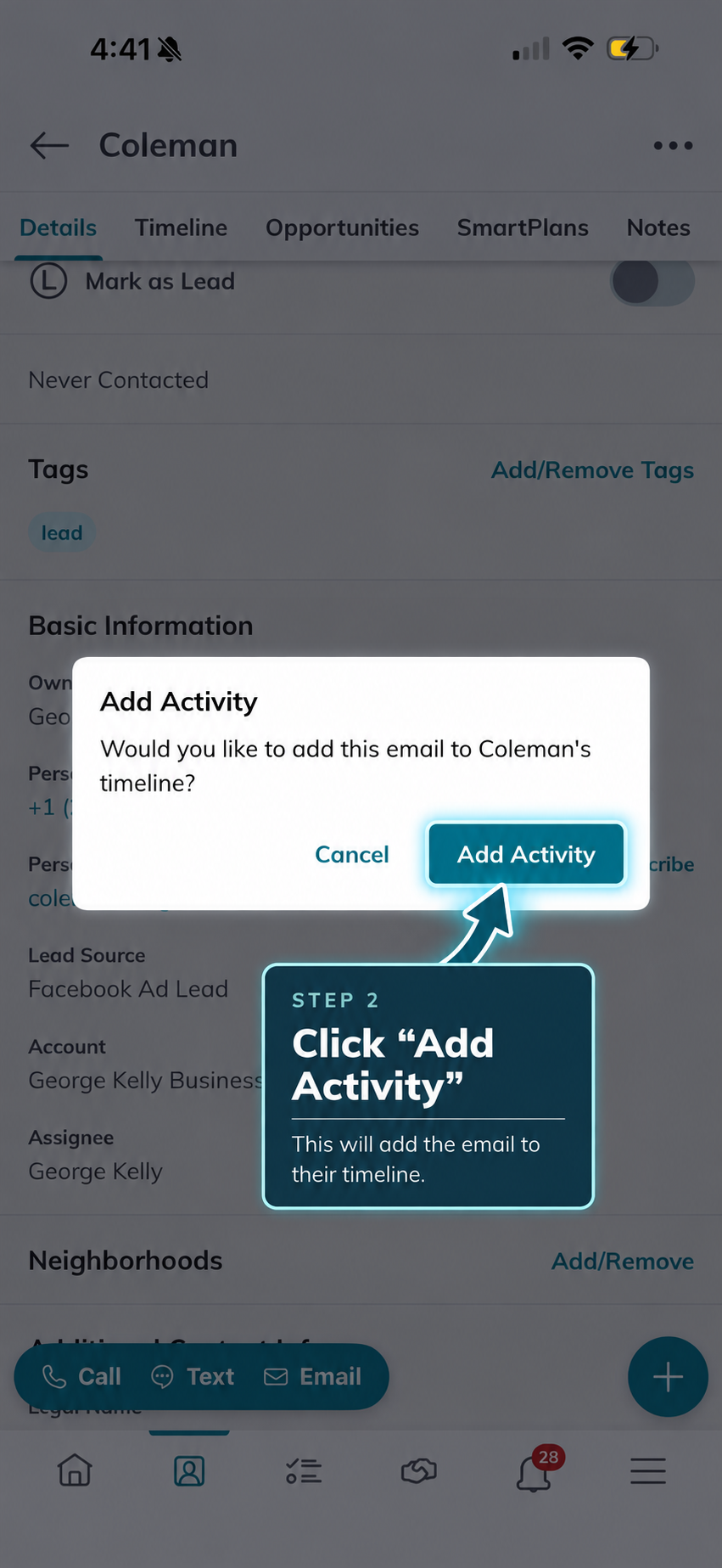
Do the task.
Call, text or email the contact in front of you. No deciding, no list-building.
4
Leave notes to help with follow up.
Log what you heard so the next touch starts where this one ended.
Same app, same time, every day. If the number in Due Today is done, you are on pace. No list-building, no guessing who to call.